
Partial Keyword Matching for Inbox automations
Details
What’s new?
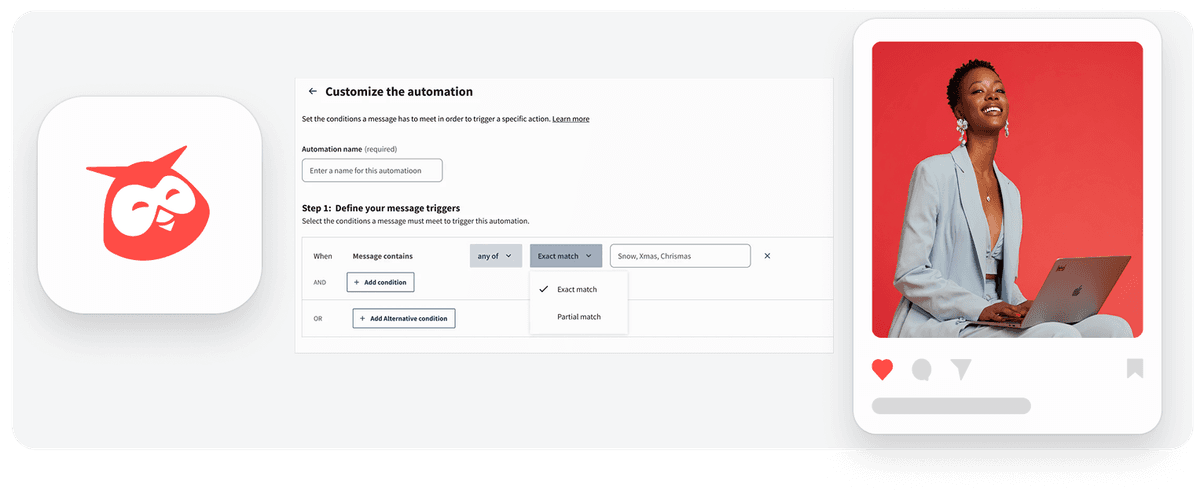
You can now choose how keywords trigger your Inbox automations by selecting either Exact match or Partial match.
Previously, keyword automations only supported exact matching. With this update, partial matching allows automations to detect broader keyword variations. For example, the keyword “snow” can also match words like “snowflake.”
Existing automations will remain set to Exact match by default and will only change if you update them manually.
Why this is important
This update gives teams greater control and flexibility when setting up Inbox automations. Benefits include:
Capture more relevant conversations without adding many keyword variations
Improve automation accuracy by choosing between precise or broader matches
Save time managing automation rules
This helps teams ensure that important messages or mentions are automatically surfaced, routed, or acted upon.
How it works
When creating or editing a keyword-based automation:
Enter a name for your automation.
Select Add condition and choose a keyword trigger.
Configure your keyword logic:
Define the logic: Trigger automation when all or any of the keywords are present.
Set the match type:
Exact match — triggers only for the exact word (e.g., snow).
Partial match — triggers for broader variations (e.g., snow also matches snowflake).
Enter your keywords, separated by commas.
Save your automation.
Learn more in the Help Center.
Please complete the form to learn more
* indicates required fields
Related updates
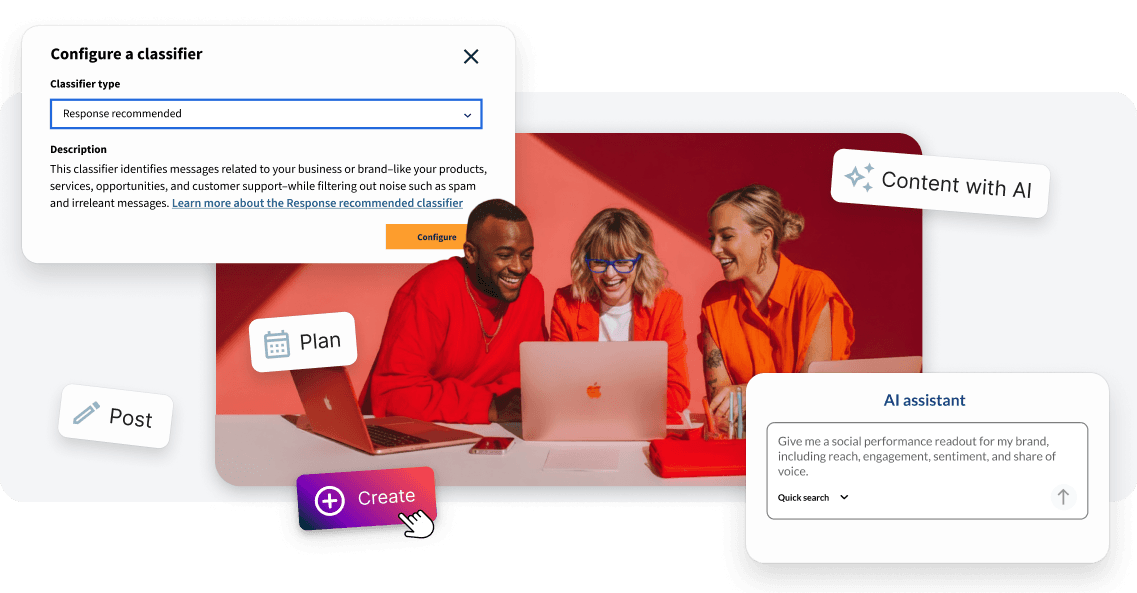
More signals, smarter workflows, and a platform built for impact
Solving your biggest challenges with a new listening channel, integrated AI and smarter automations

Edit Link Previews -aka Cards- for “X”
Edit Link Previews for X lets you customize the title and media for the links you share on X to ensure your posts look professional and drive higher engagement.

Do more with smarter Planner controls
Hootsuite Planner enhancements reduce calendar friction: quote and reshare X and Facebook posts without leaving your schedule, and manage posts faster with a new card menu for editing, duplicating, and brainstorming
Interested in learning more with Hootsuite?
Request a demo